A screen for the story.
Controls slip away while you watch. Folder playlists and resume points keep the next moment close.
 Nookfern Player
A small Mac player with room for the big screen. Up to 20× speed, immersive playback, and no ads.
Download for Mac72h free trial · Apple notarized · About 3 MB
Version 0.6.1 · Apple Silicon · macOS 15 or later
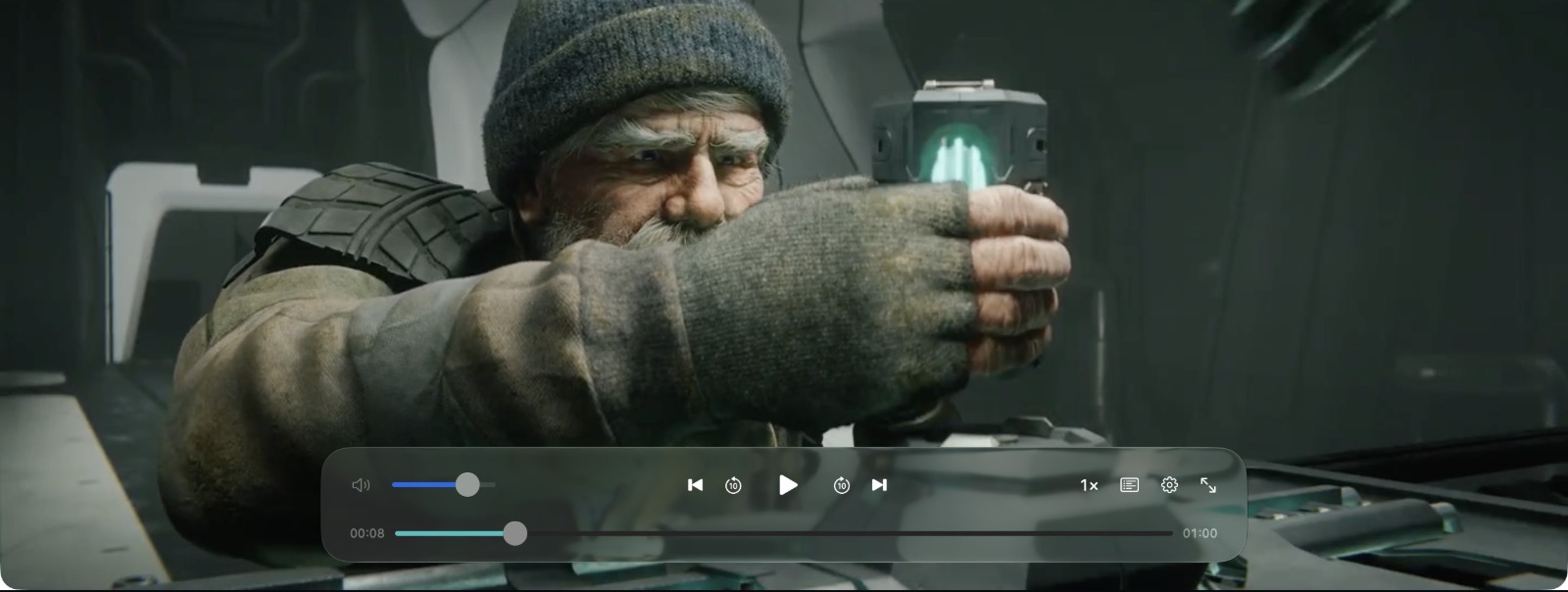
Demo film: CHARGE © 2022 Blender Foundation / Blender Studio · CC BY 4.0 · Excerpt, resized for this preview.
Hold an arrow key to speed up. Release to return to your pace. Set the hold speed as high as 20×.
Playback speed depends on your file and Mac.
Hold an arrow key
Release to return to your pace.
Scroll here and hold ← or → on your keyboard, or hold either button.
Gesture preview: hold for 20×, release for 1×.
Controls slip away while you watch. Folder playlists and resume points keep the next moment close.
Your videos and playback history stay on your Mac. No ads. No media uploads.
How we protect your privacyLess noise.
More of your film.
MP4, MOV, M4V, plus tested MKV, WebM, FLV and TS combinations. From everyday clips to your longer watchlist, keep your collection close.
Playback depends on the video and audio inside each file. Try your own files before buying.
Nookfern Player is a lightweight local video player for Apple Silicon Macs running macOS 15 or later. Here is how to make it yours.
Open the downloaded DMG and drag Nookfern Player into Applications. The installer is about 3 MB; use an Apple Silicon Mac running macOS 15 or later.
Press ⌘O or drag a file into the player. Your first online registration starts 72 continuous trial hours. Media files and playback history stay on your Mac.
Choose a hold multiplier up to 20× in the speed menu. Hold ← or → to temporarily accelerate; release to restore your previous speed. A short press seeks five seconds. Try your own files before buying.
US$9.90
One-time purchase
Try your own files before buying.
Buy in Nookfern Player → Settings → License → Buy License. Secure checkout by Creem. Applicable taxes may be added.
72 continuous hours from first online registration. No payment card needed for the trial.
Your trial runs for 72 continuous hours from the first online registration, including time while the app is closed. Playback stops when it expires unless you activate a paid license. Reinstalling does not start a new trial.
The price is US$9.90 for up to 3 Macs at a time. You may keep using the purchased major version, with updates within that major version included. A future major version may be sold separately. Applicable taxes may be added.
An internet connection starts the trial and activates a paid license. Trial playback can continue offline until its original deadline. Paid playback works offline for up to 14 days after a successful check. The app checks silently when connected; reconnect to keep using an expired offline authorization.
No. The player does not upload media files or playback history. Activation and online checks send product specific device and license information to our service. Feedback is sent only when you submit it. Read the privacy policy for details.
This release is for Apple Silicon Macs running macOS 15 or later. Download the trial and play your own files to check your setup.
Compatible MP4, MOV and M4V files, plus tested MKV, WebM, FLV and TS combinations. Tested video includes H.264, HEVC, VP8, VP9, AV1 and MPEG 2 in supported combinations. Playback also depends on audio, macOS and hardware. Try your own files before buying.
Choose a hold multiplier up to 20× in the speed menu. Hold an arrow key to temporarily speed up, then release to return to the previous speed. You can also change the base playback speed. Actual results depend on the file and your Mac.
Use Settings → Feedback or email support@aup.asia. You can request a refund within 7 days of purchase, subject to applicable consumer rights. Keep your receipt email to recover your license code.
Your files. Your Mac. Your pace.
Download for Mac